
What you have seen,
Muninn remembers
Share a post from Xiaohongshu, Weibo or X to Muninn and it is saved. Text, images and videos are parsed and kept. When you need it again, one search brings it back.


Muninn in one minute
A good bookmarking tool
should not take your time
Muninn is not something to spend your day in. Save what catches your eye, find it the moment you need it, and let it quietly keep everything for you the rest of the time.
Everything you need, nothing you do not
Save in one step
Tap Share in any app and pick Muninn, or copy a link and open the app; it picks up the link from your clipboard. On a computer, install the browser extension and right-click “Add to Muninn”.
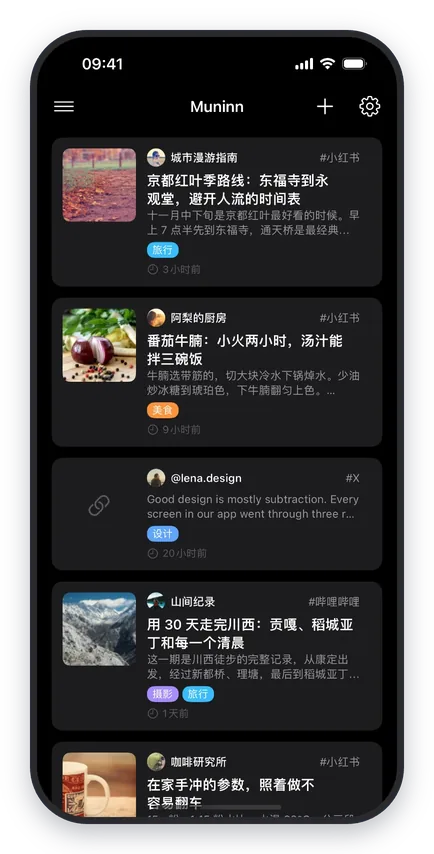
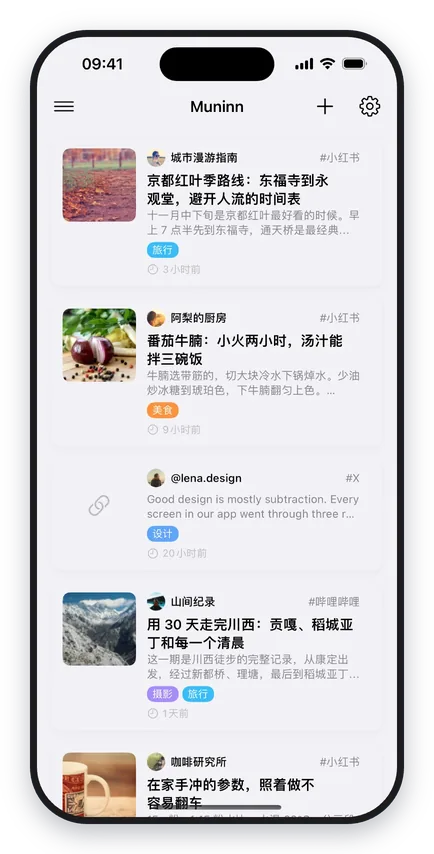
Parsed and kept as it was
Text, images, video, author and publish time are all saved. Even if the post is deleted or the link breaks, your copy stays.
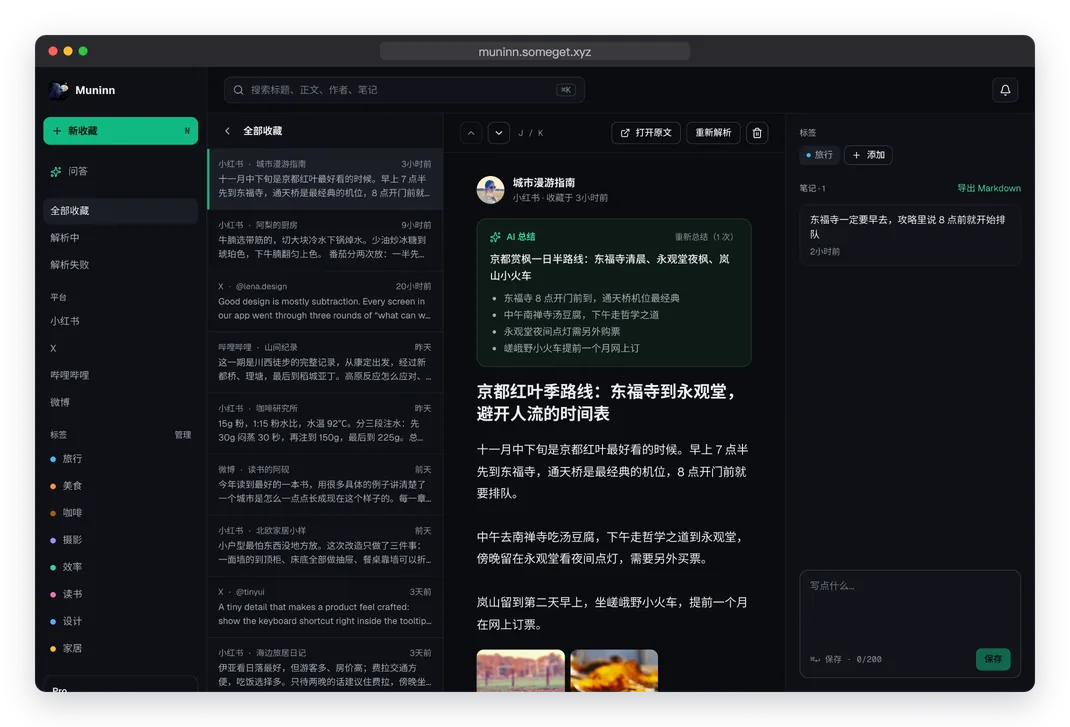
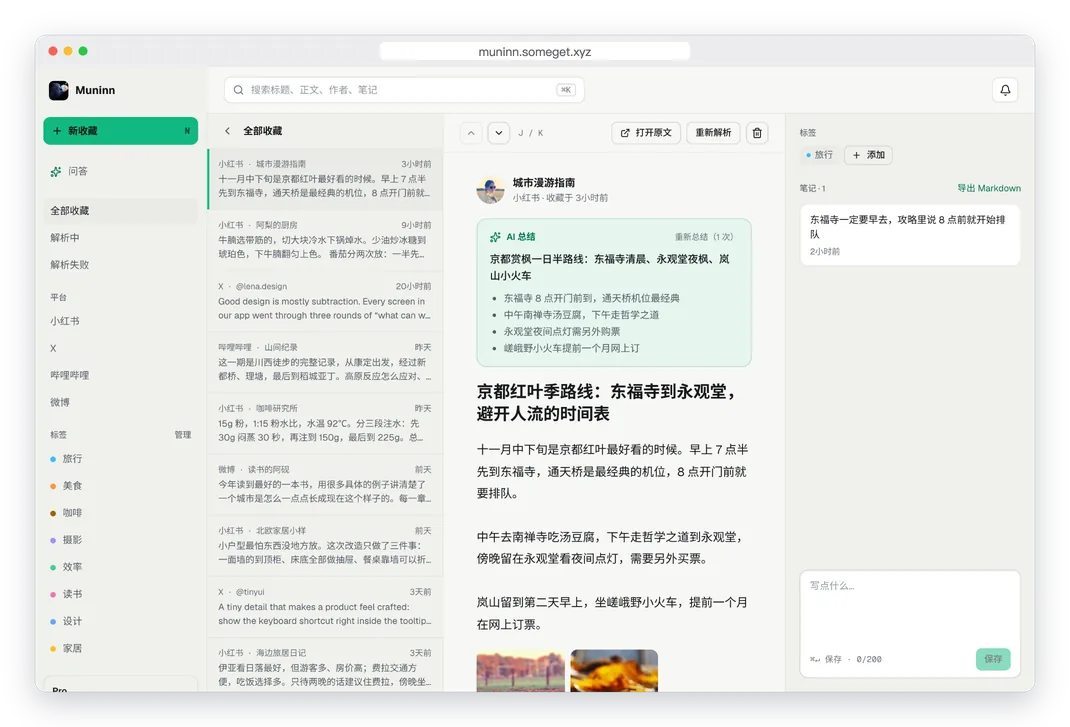
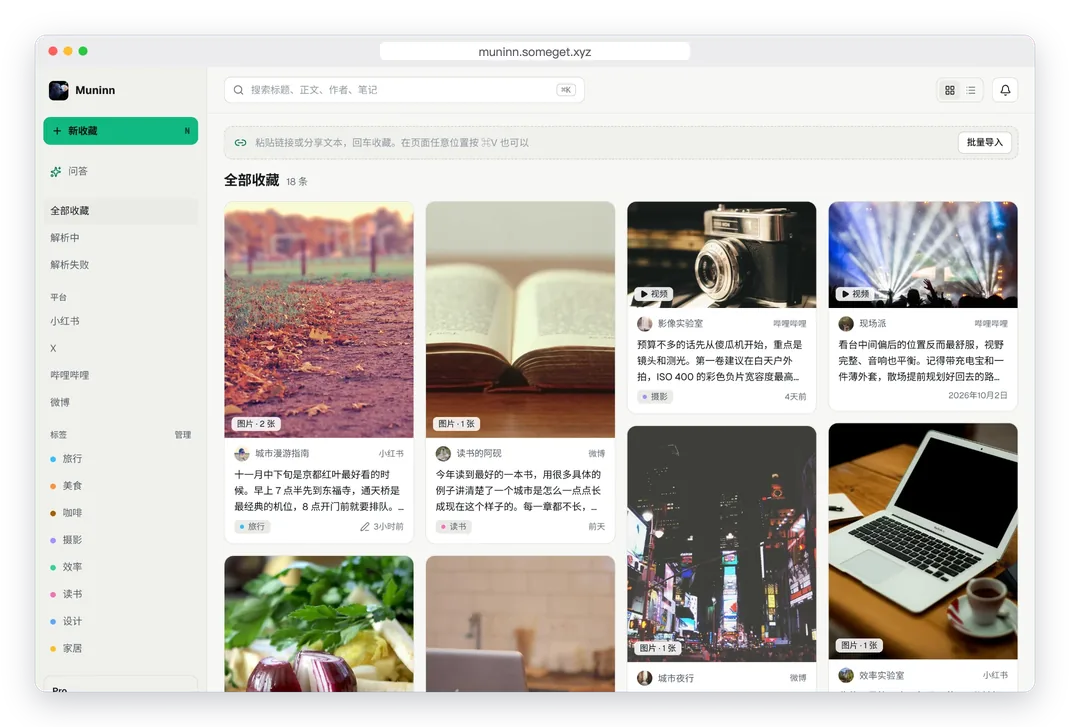
Find and manage on your computer
Browse on a big screen, use keyboard shortcuts, tag, take notes and clean up in bulk. Paste a link anywhere on the page to save it.
Open the web app →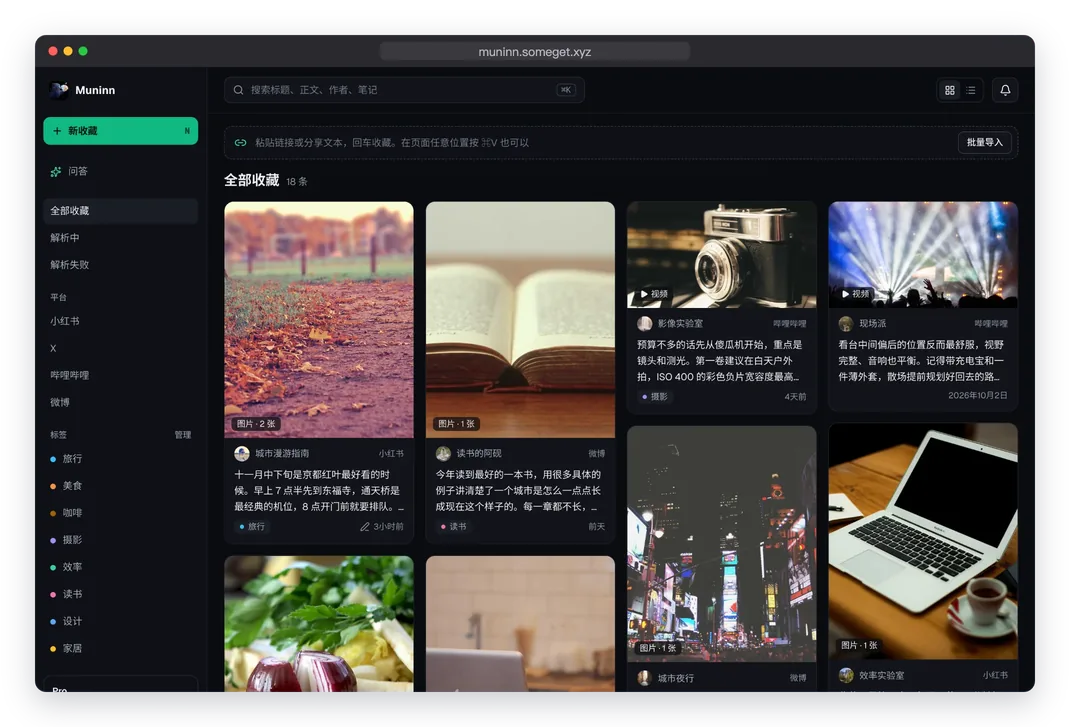
Let AI remember where things are
We only keep it for you
Your saves and notes live on our servers, but they always belong to you. Export everything at any time, no questions asked and no charge.
On every device you use
One membership for all your devices
- 5 saves parsed per day
- Keep going with energy after that
- Tags, notes and export
- Automatic AI tags
- 5 free AI summaries or questions
- Synced on all devices
- 50 saves parsed per day
- Bulk import
- Search by meaning
- 100 AI summaries or questions a month
- Everything in Free
- No daily cap (20 per hour)
- 300 AI summaries or questions a month
- Everything in Pro
FAQ
Yes. Text, images and video are parsed and stored when you save, so they do not depend on the original link.
Yes. Memberships follow your account; just sign in with the same account.
The web app is designed for computers. On your phone, the app is the better way to save and organize.
Yes, anytime, for free, in full. Choose Markdown, JSON or CSV in the web app settings.